01Peerspace and Giggster emails turn into bookings on their own
A script in the studio’s mailbox forwards new platform emails every five minutes, and they’re parsed by rules, not AI. An enquiry is not a booking: “booked” creates a paid booking with the amount, the platform fee and the studio’s payout; a change notice moves the booking that already exists; each payout is matched to its booking by guest and amount. A booking records itself only from an email that passes DMARC and was read in full; anything else waits for a person in Capture, flagged in red. A clash that arrives by email isn’t rejected, because the platform has already sold it — it becomes an urgent task for today.
02Nineteen calendars, one source of truth
The source of truth is the SetHub database; the 19 Google calendars are a “busy” board read by the website, Peerspace and Giggster. Booking the whole studio closes all 16 sets inside it, any set closes the studio, and the rooftop and the car stage only close themselves. The studio’s script places, moves and removes events every minute, with no phone numbers, emails or amounts in them. Events the platforms add themselves aren’t duplicated: SetHub appends its own block to them. A clash is a refusal everywhere — in the form, in Capture, in the app and in AI commands.
03Capture: a text, a photo, a document or a voice note becomes a draft
Whatever is sent in by hand — a text, a photo of a receipt, a PDF, a voice note to the Telegram bot, a request from Make or Zapier — goes into one queue and waits for confirmation. Plain text and Word files are read by rules, without AI: date, time, amount and deposit, contacts, space, source, staff member and known client, with the guesses highlighted. The model is only needed for what isn’t text: voice, photos and scans. The same message from the same person within ten minutes returns what was already created instead of a duplicate.
04Booking on the website: the slot is held while the guest pays
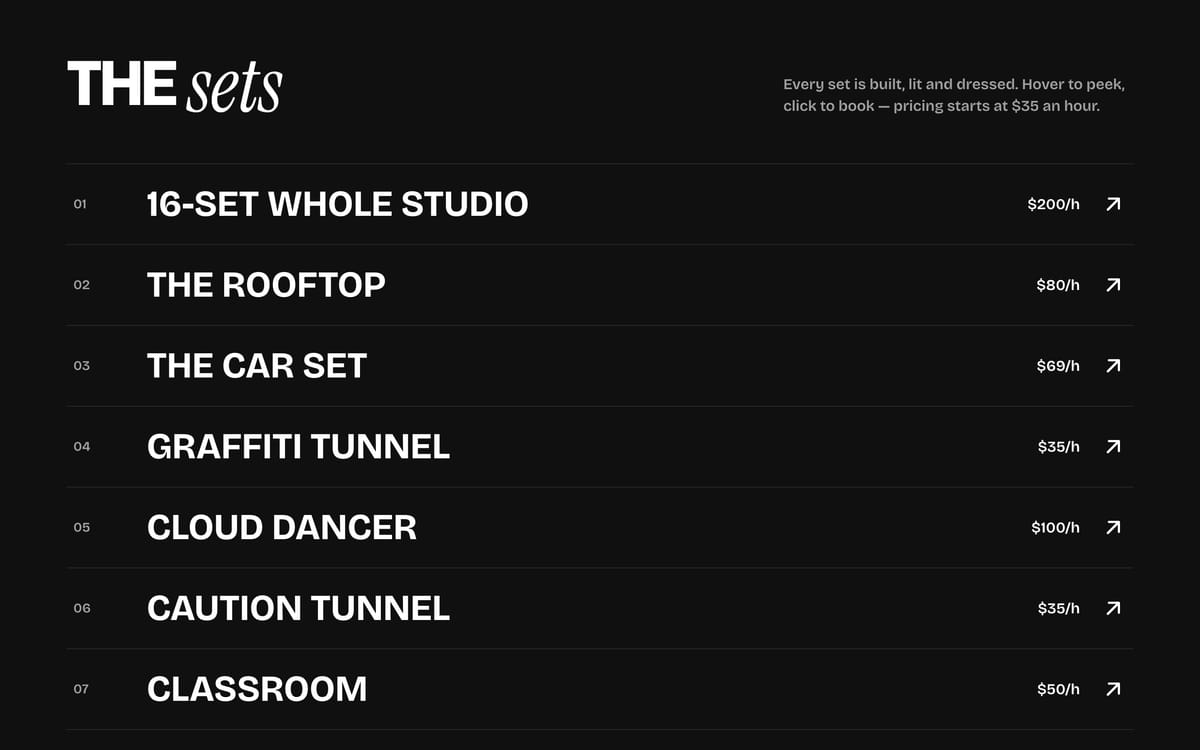
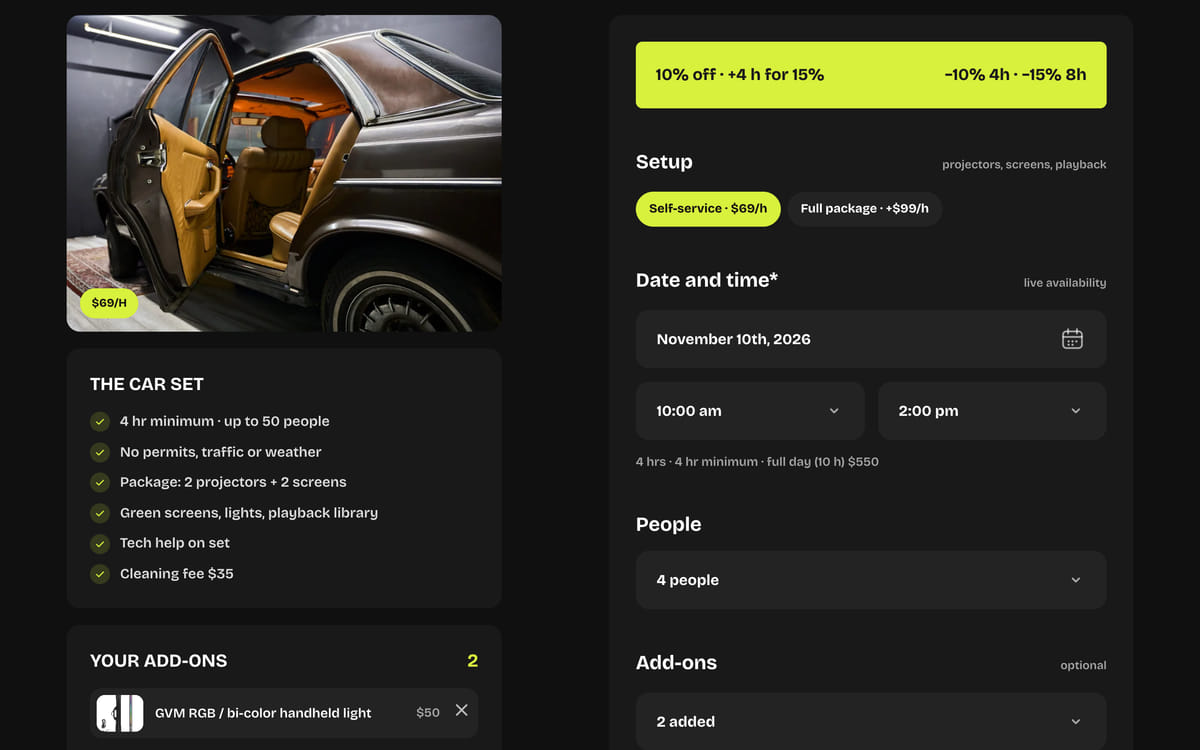
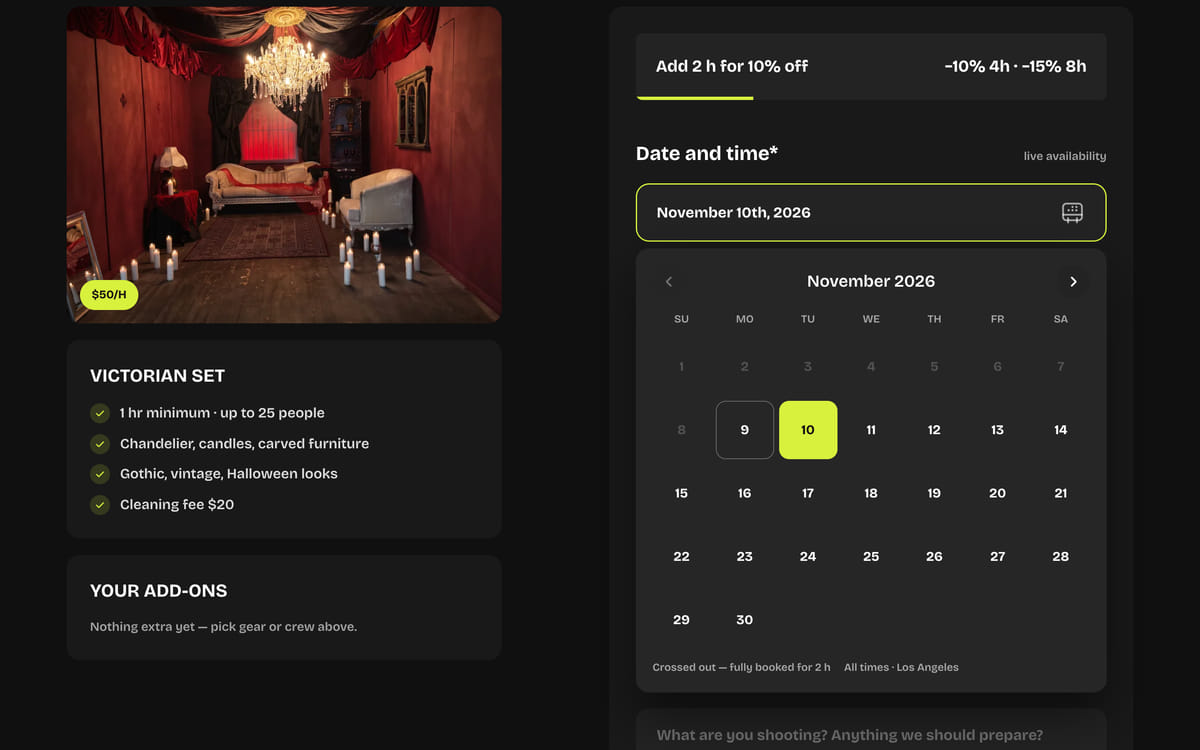
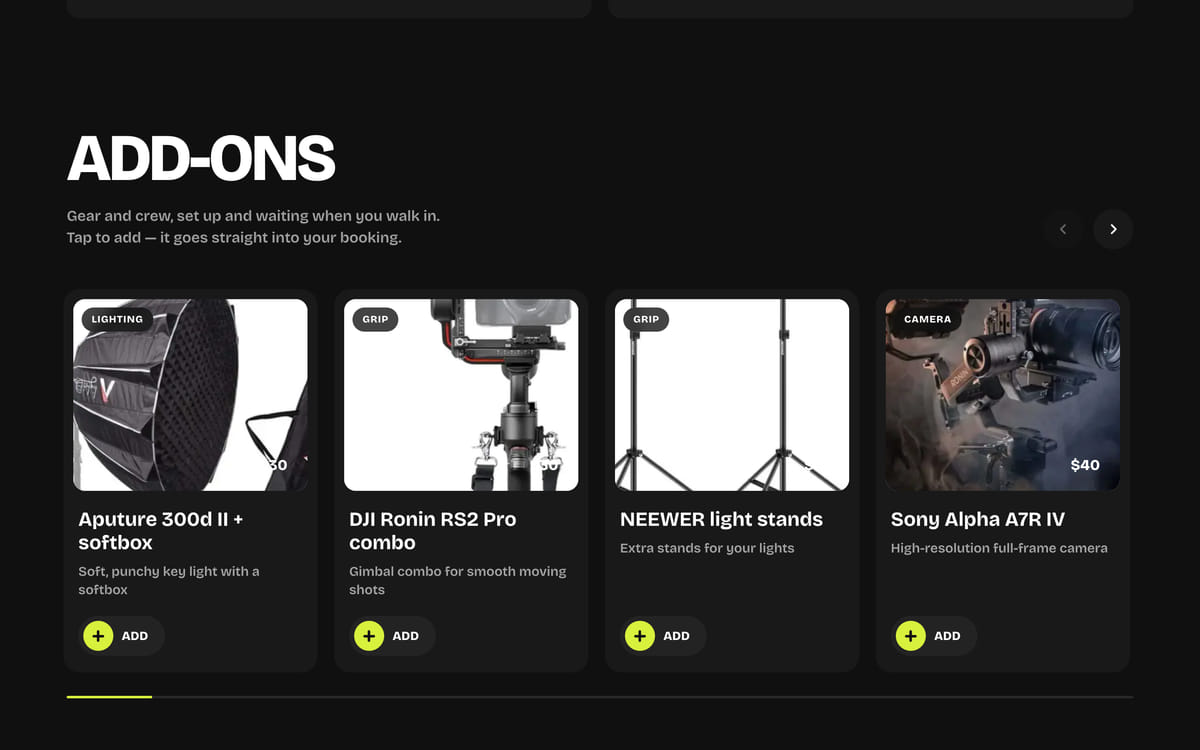
Guests pick a set, a day and a time from live availability, calculated from every channel’s bookings. “Book now” creates a tentative booking and holds the slot for 35 minutes: the free-or-not check and the write happen under a database lock, so two guests can’t take the same hour. Then comes Stripe Checkout; a signature-checked webhook confirms that exact booking, and a timer releases holds that go unpaid. The server does the pricing: 10% off from 4 hours, 15% from 8, a full day at a fixed price, add-ons and cleaning. If something is booked in the middle, the booking splits around it: noon to 4 with 2–3 taken becomes 12–2 and 3–5 for the price of one booking, and the break isn’t billed.
05Guest emails: the door code, a day ahead
Right after booking, the guest gets a confirmation: the booking, the price breakdown, the studio rules and a PDF receipt — without the door code. A day before, a reminder arrives with the code, the floor and a video of how to get in; book less than a day ahead and it all comes in one email. Moving the booking moves the reminder, and cancelling removes it. Emails go out from the studio’s own mailbox, up to 1,000 a day with guests first, and codes are wiped from the queue the moment they’re sent. The film crew gets a signed link with the time, the address, how to get in and “add to calendar” — and once the shoot is over, “That’s a wrap”.
06Guest account: no password, with perks and memberships
Sign-in is a six-digit code by email, valid for ten minutes with five attempts. Inside are the guest’s own bookings, “book again” with the same set, hours and add-ons, a PDF receipt and a calendar event. The discount grows with every visit; a membership is a Stripe subscription with hours each month, and there are hour packs and gift cards: the 16-character code is stored only as a hash, and the card never expires, as California law requires. After the shoot comes a five-star rating email; the link to leave a Google review is shown to everyone who rates, not just the happy ones, because asking only for good reviews is against Google’s rules.
07Enquiries, tasks and deadlines — without the chat threads
Every enquiry gets an SH-xxxx number and moves through stages: new, talking, awaiting deposit, confirmed, completed or lost; the attention level is calculated, not stored, and the manager’s queue is built by the same rule. Task deadlines and assignees are set by the owner and the manager; staff can’t change a deadline, only ask to move it with a date and a reason, and that rule lives on the server, not in the form. Reminders come an hour before, when a task is overdue and every morning on studio time. Notifications arrive as an email digest, browser push, Telegram and phone push straight through Apple and Google, and a task can be closed with a button right in the notification.
08Four roles, with permissions checked by the server
The owner sees everything. The general manager sees operations and the business’s money, but not the owner’s personal expenses. The client manager sees clients, bookings with amounts and enquiries, without the studio’s income and costs. Staff see tasks, the schedule and Capture, and no money at all: the app sends them the day without amounts, payments, source or guest contacts. A single roles module is checked by the pages, the server, the mobile API and the 26 commands for AI assistants — ChatGPT and Claude connect over MCP with OAuth sign-in, and no command deletes anything. Changing a password or disabling an account kills sessions, phone keys and AI access.
09Two apps from one codebase
“Set Hub Team” is for staff: it opens with Face ID or a fingerprint, screenshots are blocked, the key lives only in that phone’s keychain and client data only in memory. The “Today” widget and the lock screen show the time and the space without guest names or amounts, and Capture opens with one tap from Control Centre. “Set Hub” is for guests: booking on a time tape, finding a set from a reference photo, the rooftop’s golden hour from the NOAA formula and the forecast, and “how to get in” behind Face ID — it works even in a basement with no signal. Both are built and tested on the iPhone simulator and the Android emulator; publishing to the App Store and Google Play is the next step.